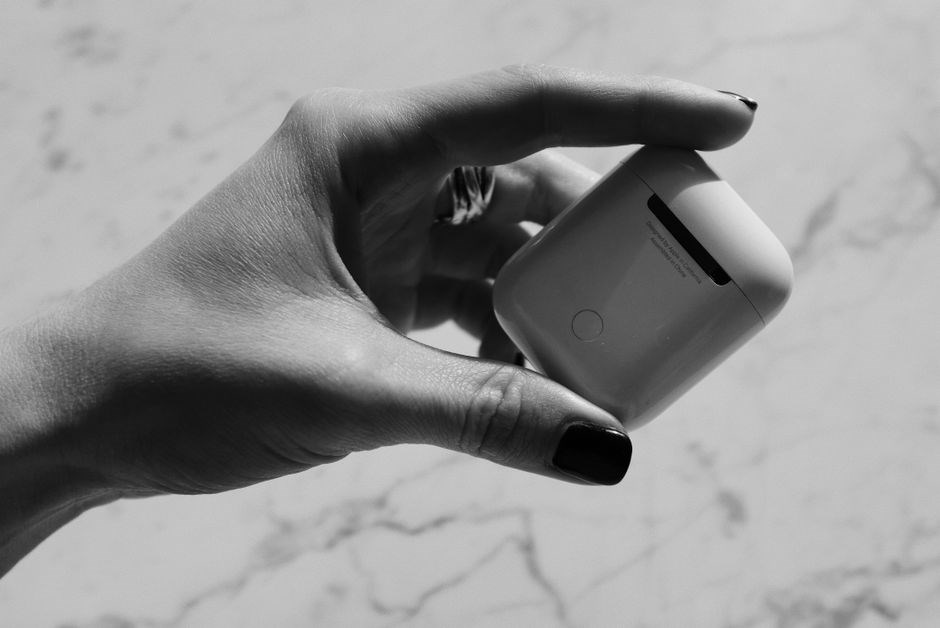
soundmates v2 manual
Summary
The Soundmates V2 earbuds deliver true wireless convenience with Bluetooth 5.0, active noise cancellation, and intuitive touch controls. This brief guide walks you through setup, features, and care, ensuring you get optimal sound and battery performance from day one. Enjoy music!!!! […]
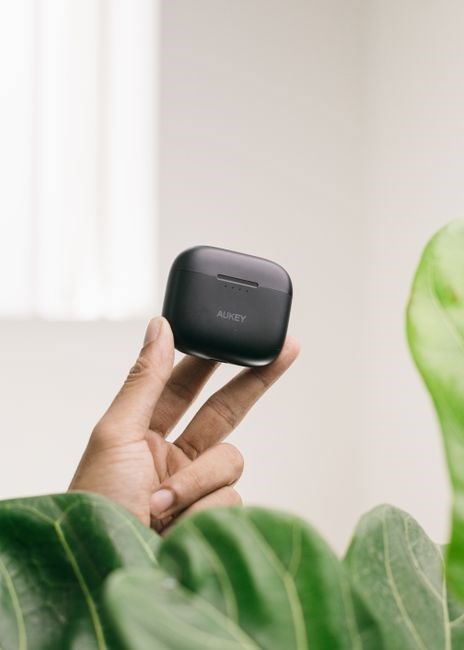
The Soundmates V2 earbuds deliver true wireless convenience with Bluetooth 5.0, active noise cancellation, and intuitive touch controls. This brief guide walks you through setup, features, and care, ensuring you get optimal sound and battery performance from day one. Enjoy music!!!!
Package Contents
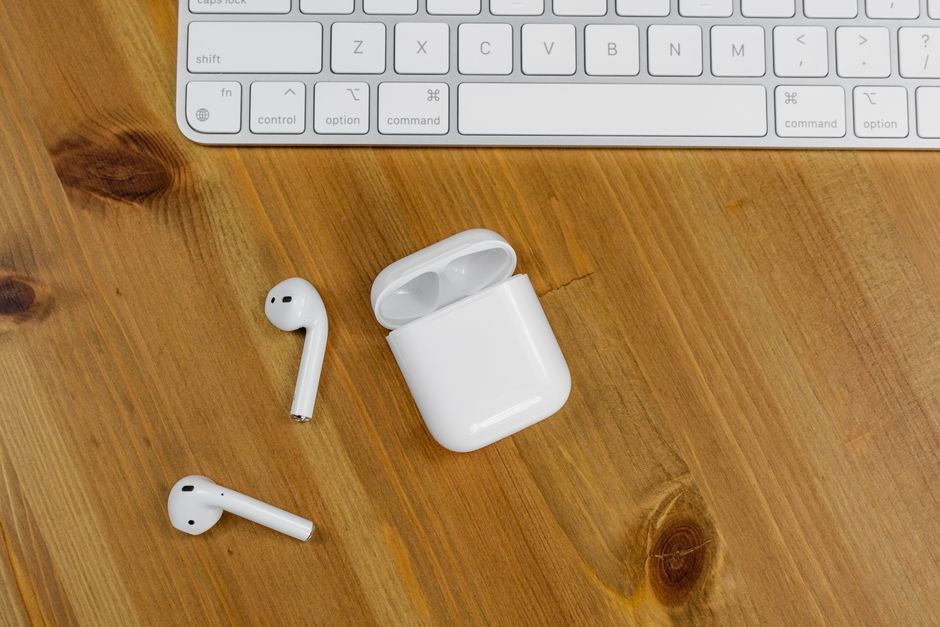
Inside the Soundmates V2 box you will find everything required to start using your true‑wireless earbuds right away. The items are neatly packed to protect the delicate components and are listed as follows:
- Soundmates V2 earbuds (left and right) – ergonomic in‑ear speakers with Bluetooth 5.0, ANC and touch controls.
- Charging case – compact case providing up to 24 hours of extra playback.
- USB‑C charging cable (1 m) – fast wired charging for the case.
- Multiple silicone ear tip sets – three sizes (S, M, L) for a secure fit.
- User manual – quick‑start guide with pairing and safety info.
- Warranty card – registration details and one‑year limited warranty.
- Cleaning tool – soft brush for ear‑tip maintenance.
Each accessory is designed for durability and convenience. The silicone tips are color‑coded for easy identification, while the cleaning brush features soft bristles that safely remove debris without harming the driver mesh.
All components are wrapped in a recyclable paper insert that bears the Soundmates branding and recycling symbols. The box measures roughly 150 mm × 80 mm × 40 mm and weighs under 250 grams, making it easy to transport. The warranty card provides a QR code for quick registration, and the packaging includes a QR‑link to download the app for firmware updates and sound customization. and ready to go!
Device Overview
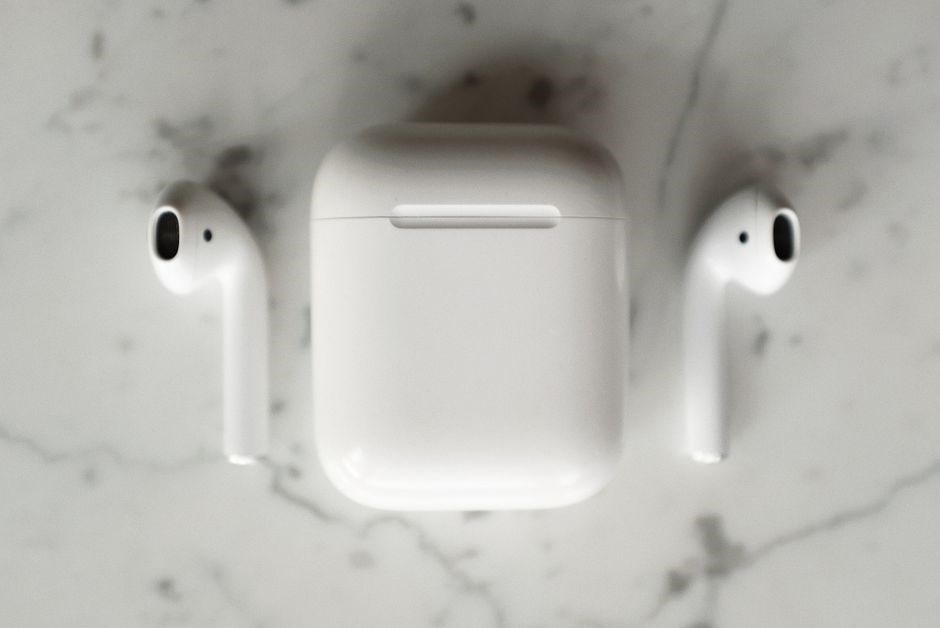
The Soundmates V2 are true‑wireless earbuds built around a compact ergonomic shell that fits snugly in the ear canal while housing a 10 mm dynamic driver for clear mids and punchy bass. Powered by Bluetooth 5.0, the earbuds maintain a stable 2 Mbps link with a latency as low as 120 ms, supporting both Android and iOS devices. Integrated active noise cancellation (ANC) uses a hybrid feed‑forward microphone array to reduce ambient sound by up to 30 dB, while a transparency mode lets external audio in when needed.
Each earbud contains a touch‑sensitive surface that recognises single‑tap play/pause, double‑tap skip, triple‑tap previous track, and long‑press for voice assistant. Physical buttons are omitted, while a magnetic case offers up to 24 hours playback on a single charge. The case supports fast USB‑C charging, reaching 100 % in about 1.5 hours.
Key specifications include:
- Bluetooth version: 5.0, A2DP, AVRCP, HFP
- Frequency response: 20 Hz – 20 kHz
- Impedance: 16 Ω
- Sensitivity: 105 dB SPL/mW
- Charging case capacity: 600 mAh
- IP rating: IPX4 splash‑resistant
- Supported codecs: SBC, AAC, aptX
The earbuds also feature a built‑in low‑latency gaming mode, an auto‑pause function when one earbud is removed, and a companion app for EQ tuning and firmware updates. With a total weight of 5 g per earbud, the Soundmates V2 deliver a balanced audio experience suitable for commuting, workouts, and office use.Enjoy seamless connectivity daily.

Getting Started
Place the earbuds in the charging case, close the lid, and wait until the LED turns blue! indicating a full charge. Press and hold the multifunction button on both earbuds for three seconds to power on. The case will emit a tone and the earbuds will enter pairing mode automatically.
Pairing the Earbuds

Begin by ensuring the earbuds are fully charged inside the case. Open the lid; the LED will flash red and blue, indicating readiness. Press and hold the multifunction button on both earbuds for three seconds until a voice prompt says “Pairing” and the LED turns solid blue, placing the units into Bluetooth discovery mode. On your smartphone, tablet, or computer, open the Bluetooth settings, enable Bluetooth, and look for the device name “Soundmates V2”. Tap the name to connect; the earbuds will emit a short tone and the LED will change to steady white, confirming a successful link. If a PIN request appears, accept the default “0000”. The earbuds automatically remember the last paired device, so future connections are instant: removing them from the case powers them on and they reconnect within seconds. To pair with a new device, return the earbuds to the case, close the lid for two seconds, reopen, and repeat the long‑press pairing sequence. In environments with many wireless signals, keep the source device within ten feet and avoid obstacles to maintain a stable connection. Should the earbuds not appear in the device list, toggle Bluetooth off and on, or perform a factory reset by holding the multifunction button on each earbud for ten seconds until the LED flashes amber three times, then start the pairing process again. For optimal performance, keep firmware updated via the companion app; updates install automatically when earbuds are connected and charging, ensuring pairing stability improvements!.
Connecting to Multiple Devices
Soundmates V2 earbuds support seamless multi-device connectivity thanks to Bluetooth 5.0. After the initial pairing with a primary device, the earbuds automatically store the link and can remember up to two additional devices. To add a second or third device, place the earbuds back in the charging case, close the lid for two seconds, then open it and press and hold the multifunction button on both earbuds for three seconds until the LED flashes purple. The earbuds re-enter discovery mode without erasing the existing pairing. On the new device, enable Bluetooth, select “Soundmates V2” from the list, and confirm the connection. The earbuds will emit a short confirmation tone and the LED will turn solid green, indicating a successful link while preserving the original connection. Switching between paired devices is instantaneous. When the earbuds detect an active audio stream from a different source, they prioritize the newest connection and automatically pause playback on the previous device. If you wish to manually select which device should control the earbuds, open the companion app, navigate to “Device Management”, and tap the desired device. The app will send a command to the earbuds, causing them to disconnect from the current source and reconnect to the chosen one within a few seconds. In crowded environments where several Bluetooth signals compete, keep the earbuds within a three-meter radius of the active device to maintain a stable link. Keep firmware updated for reliable multi‑device switching and use OK.

Controls and Functions
The Soundmates V2 earbuds feature touch-sensitive panels on each earbud for play/pause, track navigation, and voice assistant activation. A single tap toggles music, double tap skips forward, triple tap rewinds, and press‑and‑hold activates Siri or Google Assistant. Sure.
Touch Controls
The Soundmates V2 earbuds use a capacitive touch surface on each earbud to provide a full range of commands without the need for physical buttons. A light tap on the right earbud toggles playback – pressing once starts or pauses the current track, while a second quick tap resumes playback if it was paused. Double‑tapping the left earbud skips forward to the next track in your playlist, and triple‑tapping the same side jumps back to the previous track. Press‑and‑hold either earbud for more than 1.5 seconds activates your device’s default voice assistant, allowing you to ask for weather, set timers, or control smart home devices hands‑free. Swipe forward quickly on the right earbud raises volume one step; swipe backward lowers it. The touch interface also supports a long‑press of three seconds to toggle the active noise cancellation (ANC) mode on or off, giving you instant control over ambient sound suppression. All gestures are designed with haptic feedback; the earbuds emit a subtle vibration to confirm that the command was recognized, which helps prevent accidental inputs during movement or exercise. When the earbuds are placed back into the charging case, the touch sensors automatically enter a low‑power standby mode to conserve battery life, and they reactivate within 0.5 seconds once removed. Firmware updates delivered through the app may introduce new touch patterns, such as a two‑finger tap to launch a favorite music streaming service, ensuring the device stays current with evolving user expectations.!!
Physical Buttons
Each Soundmates V2 earbud is equipped with a small, tactile button located on the outer surface of the right unit. This single button serves multiple functions through short presses, long presses, and double‑press sequences, allowing you to control playback, calls, and device settings without relying on the touch interface. • Power / Bluetooth pairing – Press and hold the button for 2 seconds when the earbuds are in the case. The LEDs flash amber, indicating the device is entering pairing mode and will become discoverable to any Bluetooth‑enabled source. • Play / pause – A quick single tap toggles the current audio stream between playing and paused states. • Answer / end call – When an incoming call is detected, a single tap answers the call; another tap ends it. If no call is active, the tap functions as play/pause. • Volume control – Double‑tap the button to raise the volume one step; triple‑tap to lower it one step. The earbuds provide a brief audible click tone to confirm the adjustment. • ANC toggle – Press and hold for 1.5 seconds to switch active noise cancellation on or off. The LED ring changes colour (blue for ANC on, green for ANC off) to give visual feedback. • Reset – With the earbuds removed from the case and powered off, press and hold the button for 6 seconds. The unit will emit a series of beeps and the LEDs will flash red, indicating a factory reset has been performed. All button actions are recognized within 300 ms, and firmware filters accidental presses caused by movement promptly.
Power Management
The Soundmates V2 case holds a 500 mAh battery, delivering up to 5 hours of playback per charge. A quick 15‑minute charge provides 1 hour of use. LEDs indicate charging status: red while charging, blue when full. The case supports Qi charging and auto‑power‑off to save max power.
Battery Life
The Soundmates V2 earbuds are equipped with a 50 mAh lithium‑polymer cell in each earbud, providing up to five hours of continuous playback on a single charge under normal listening conditions. When active noise cancellation (ANC) is engaged, the runtime drops slightly to around four and a half hours, while using the ambient sound mode can extend it back toward the full five‑hour mark. The compact charging case contains a 500 mAh battery that replenishes both earbuds in approximately one hour and offers an additional 20 to 22 hours of listening time through multiple quick‑charge cycles. A single 15‑minute charge in the case yields roughly one hour of playback, making it convenient for short breaks. LED indicators on the case display the charging status: a steady red light while the case itself is charging, a pulsing amber while the earbuds are replenishing, and a solid blue once the full charge is achieved. The case also supports Qi‑compatible wireless charging, allowing you to place it on any standard 5 W pad for a cable‑free top‑up. To preserve battery health, the earbuds automatically enter a low‑power standby mode after five minutes of inactivity, and the case powers down after ten minutes without a device inside. Firmware updates delivered via the companion app can further optimize power consumption, extending overall usage up to 10 percent now!!! For best results, store the earbuds in the case when not in use, avoid exposing them to extreme temperatures, and keep the charging contacts clean and free of debris.
Charging Procedure
To charge the Soundmates V2 earbuds, open the magnetic case and seat each earbud in its slot, aligning the gold‑plated contacts with the pins.The case will emit a soft chime and the front LED will flash amber, confirming that charging has started.Connect the supplied USB‑C cable to the port on the side of the case; the cable delivers 5 V/1 A and fully recharges the 500 mAh case battery in about 60 minutes.While the case is charging, a steady red light shows that power is being supplied, and once the internal battery reaches 100 % the light changes to solid blue.A quick‑charge mode provides roughly one hour of earbud playback after a 15‑minute charge inside the case, perfect for short outings.After the earbuds are fully charged, the case automatically powers down after ten minutes of inactivity to preserve energy.Before each charging session, wipe the contact surfaces on both earbuds and the case with a dry, lint‑free cloth to remove dust or earwax that could hinder charging efficiency.Use the companion app to monitor real‑time battery levels and to install firmware updates that optimize charging algorithms, extending overall battery life.Avoid exposing the case to temperatures above 45 °C (113 °F) or below 0 °C (32 °F), and never use third‑party cables that do not meet the USB‑C specification, as they may cause over‑current or damage internal circuitry.Following these steps ensures safe, reliable charging and maximizes the earbuds’ operational time.Keep the case upright during charging for optimal contact !

Troubleshooting & Support
If you encounter any issues with your Soundmates V2 earbuds, follow these systematic steps before contacting support.
- Device not powering on: Ensure the earbuds are seated correctly in the charging case. Verify the case LED turns amber when connected to a USB‑C charger. If the LED remains off, try a different certified cable and confirm the power source supplies 5 V.
- One earbud silent: Remove both earbuds, clean the gold contacts with a dry lint‑free cloth, and place them back in the case to reset the internal connection. After a 10‑second pause, take them out and test playback.
- Bluetooth pairing fails: Open the companion app, delete any existing Soundmates V2 entry from your phone’s Bluetooth list, then press and hold the multifunction button on each earbud for 5 seconds to enter pairing mode (LED flashes white). Re‑initiate pairing from the app.
- Audio drops or latency: Keep the firmware up‑to‑date via the app, avoid heavy Wi‑Fi interference, and stay within 10 m of the source. Reset earbuds in case for 30 seconds.
- Active Noise Cancellation not effective: Verify ANC is on in the app. If the icon never appears, restart earbuds, wait 15 seconds, then re‑insert. Wipe external mics.
- Touch controls unresponsive: Dry fingers; ensure no moisture on touch surface. Reset via app (→ reset) to restore function.
For persistent problems, collect the following information before reaching out: device model, firmware version (app → About), operating system version, a brief description of the symptom, and steps already taken. Email support@soundmates.com or use the in‑app chat. Response time is typically 24‑48 hours. Include screenshots if possible. Following these guidelines resolves the majority of common issues and helps the support team diagnose any remaining faults efficiently Support is ready!.